Invite guests to one ceremony
Your guest list is one section per ceremony, and each section has an Invite more people control at its foot showing how many people on your list are not on it yet. Open it, tick as many as you like, and press the button to add all of them to that ceremony at once.
WhereGuest list→a ceremony→Invite more people
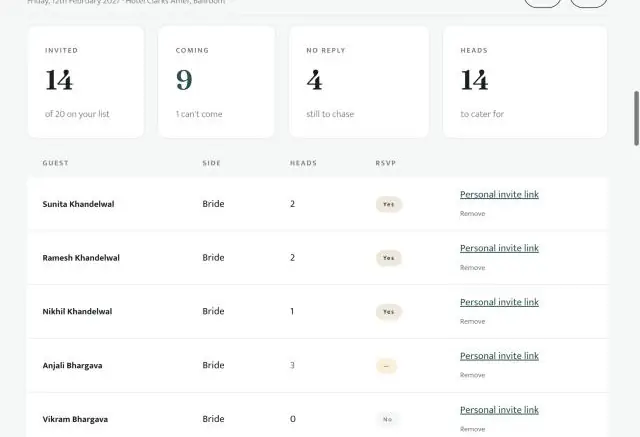
- Scroll to the ceremony you want, or use the counts at the top of the page to jump to it.
- Press Invite more people at the foot of that section. It says how many are not on this list.
- Tick the people you want and press the button at the foot, which names the ceremony — Add the ticked guests to Sangeet.
- Remove
- Takes that person off this one ceremony. They stay on your list and on every other ceremony, and their reply is kept — so putting them back restores it.