Find your way around the dashboard
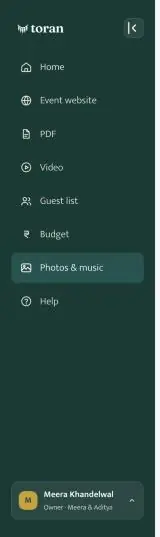
The dashboard has one menu and it splits in two: the rows down the left are the event itself — the website, the PDF, the video, the guest list, the budget and your photographs — and the menu behind your name at the foot is your account, which is who else can sign in and what you have paid.
 Help
On a phone
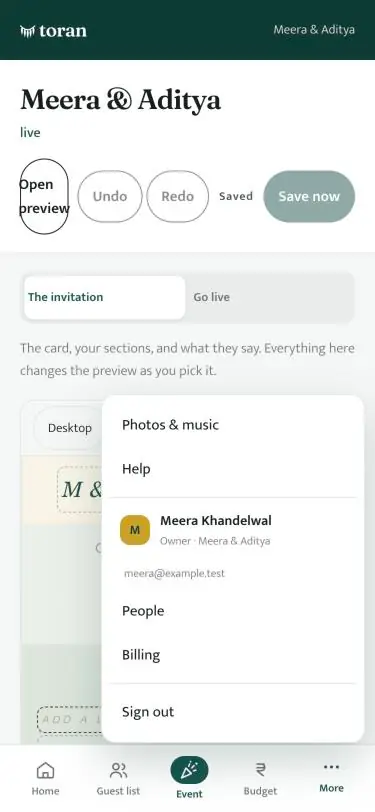
There is no left-hand menu on a phone. Five slots across the bottom carry Home, Guest list, Event, Budget and More. Event opens the three things your invitation arrives as — the website, the PDF and the film — and More holds Photos, Help, People and Billing.
Two small controls worth knowing
- Collapse the menu
- Shrinks the left menu to icons, which gives the editor more room. It is the arrow at the top of the menu, and your browser remembers the choice.
- The name at the foot
- Opens your account: your email, People, Billing and Sign out. If you are on more than one event, this is also where you switch between them.