Change your invitation’s web address
Your invitation lives at an address like `meera-and-aditya.toran.ink`, and the first part is yours to change on the Go live tab. Be careful with it once you have started sending invitations: changing it breaks every link and every QR code you have already given out.
WhereEvent website→Go live→Where it lives
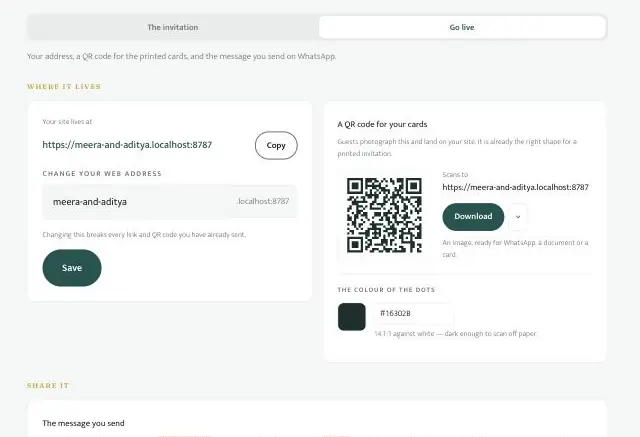
- Type the new first part. Lower-case letters, numbers and hyphens only; anything else is turned into a hyphen for you.
- Press Save. If somebody else already has that address you are told, and nothing changes.
- Change your web address
- The field itself. Only the first part is yours; the rest of the address is fixed.
- Copy
- Puts the whole address on your clipboard.
Your own domain
Not yet. Your invitation lives on a toran.ink address, which works exactly the same for your guests and is one fewer unfamiliar domain in a WhatsApp forward. If we add custom domains it will be to a site that already exists, so it is not a reason to wait.