Publish your invitation
Your invitation goes live when you publish it, which you do from the Go live tab of Event website. Until then your address answers with a “coming soon” page, so a link you have already given somebody does not break — it simply waits.
WhereEvent website→Go live→Publishing
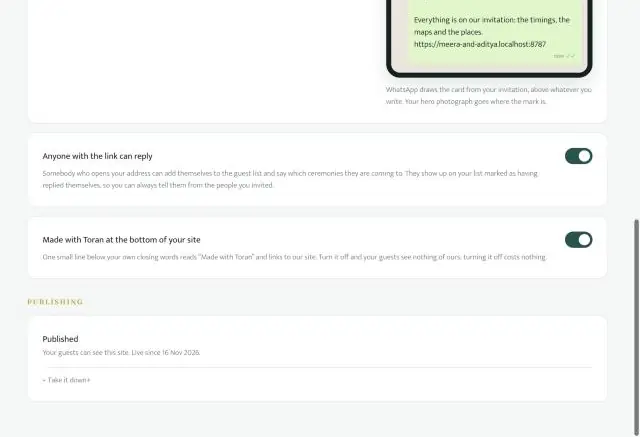
Once it is live, the Publishing card shows the date it went live and offers to take it down again. Taking it down is not deletion: your guests, your budget and your design all stay exactly as they are, and republishing brings the address back.
- Take my site offline
- Stops your address answering. Every link and QR code you have already given out goes to a “coming soon” page, and replies cannot be left while it is down.
Every edit you save afterwards is live immediately. There is no second publish step and nothing to re-send: a guest who opens the link tomorrow sees whatever the invitation says tomorrow, which is the real advantage over a printed card.