Edit your invitation and watch it change
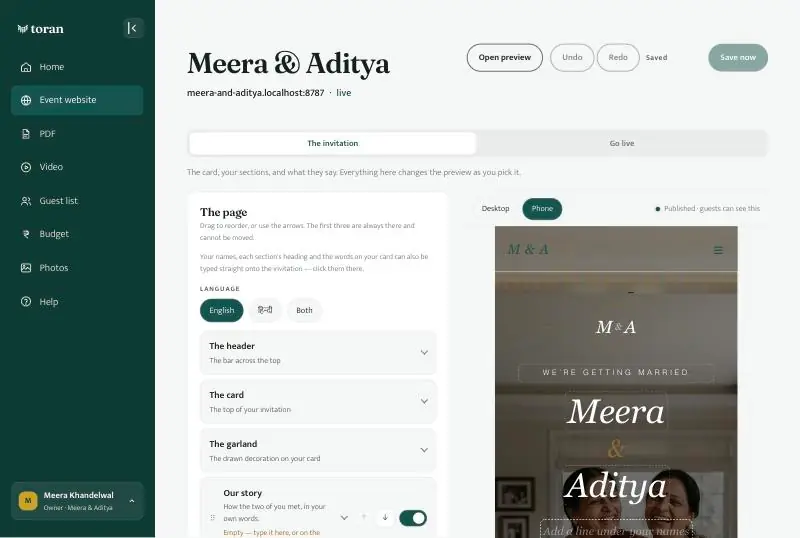
Open Event website and you get your invitation’s sections down one side and a live preview of the invitation on the other. Change anything and the preview repaints as you type — there is no Apply button, and your work saves itself a moment after you stop typing.
One section at a time
Press a section’s row to open it; opening one closes the last. That is deliberate — the invitation has nine sections and all of them open at once is a form nobody can find anything in.
Four things that look like sections are not. The look, Your names, The countdown and Music are all inside The card, which is why opening The card gives you a much longer panel than any other row.
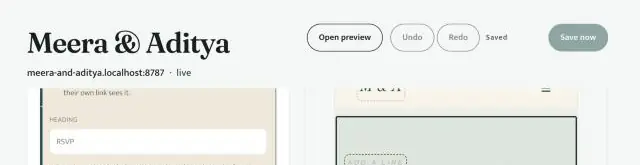
The buttons across the top:
- Open preview
- Opens your invitation in a new tab, exactly as a guest sees it.
- Undo
- Takes back your last change. Press it again to go further back.
- Redo
- Puts back something you undid.
- Save now
- Saves immediately. You rarely need it — the word beside it already says Saved — but it is there if a save failed and you want to try again.
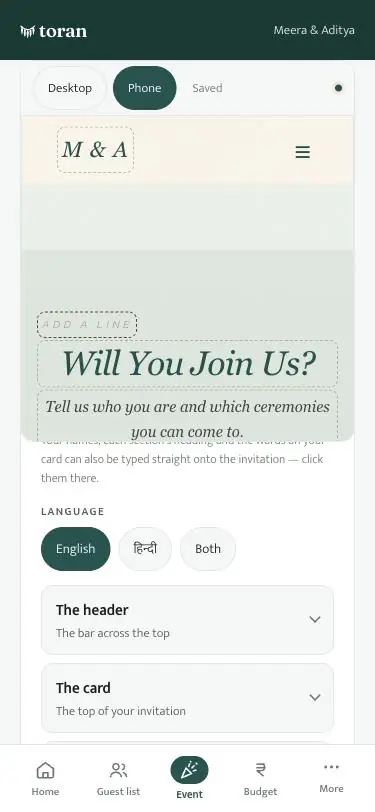
And two above the preview:
- Desktop
- Draws the invitation at laptop width, scaled down to fit the column.
- Phone
- Draws it at phone width, full size. This is the one that opens by default, because about nine in ten of your guests will open the invitation on a phone.

Two tabs
The invitation is everything above. Go live is the address, the QR code, the WhatsApp message and publishing — see Share your invitation on WhatsApp.